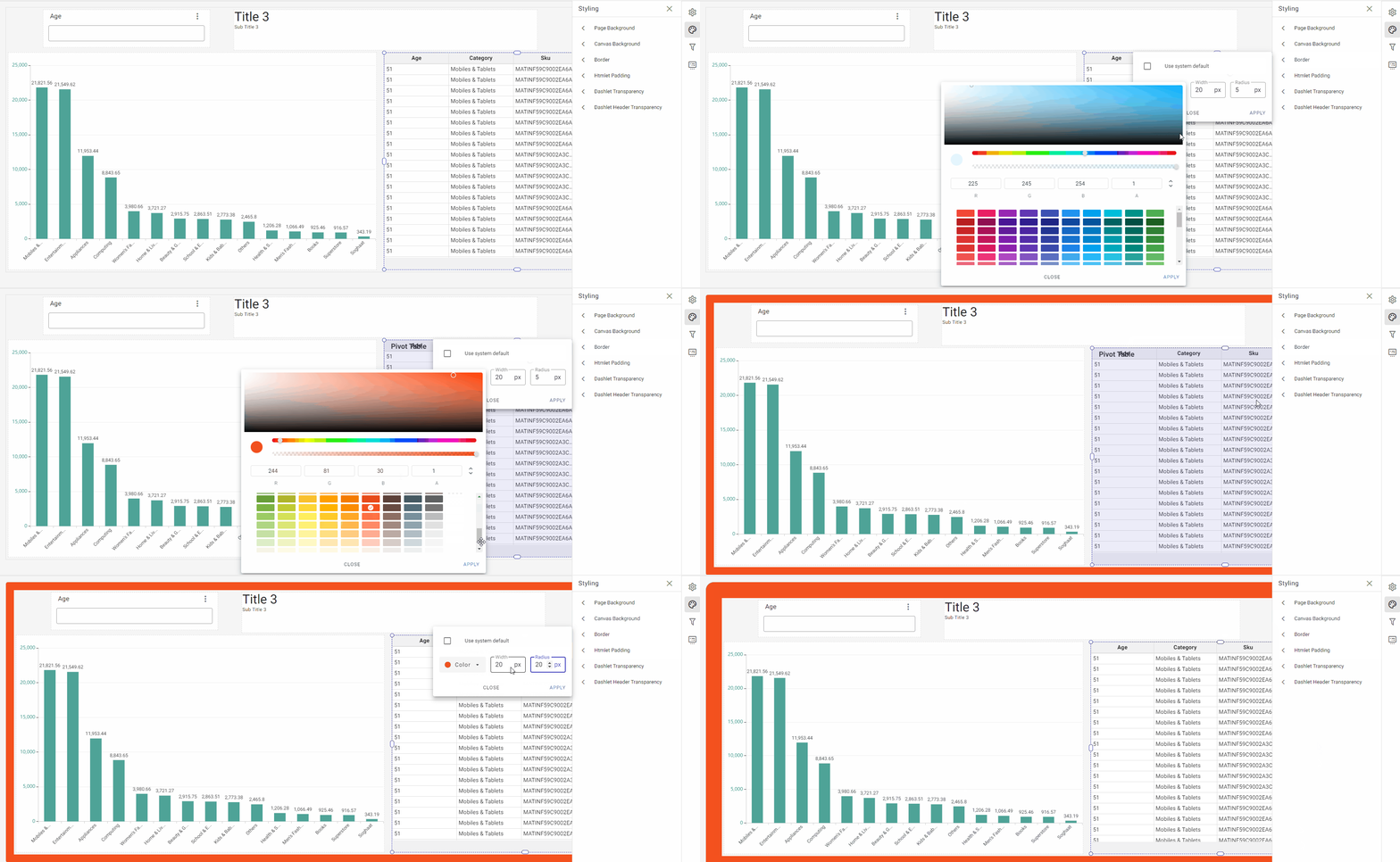
Styling Panel
Page Background options: you can use this feature to customize your dashboard's background by selecting from different options available. You can choose to use the system default, have a transparent background, apply a solid color, or upload an image or photo from your computer.
Canvas Background options: you can use this feature to customize the canvas background by selecting from different options available. You can choose to use the system default, have a transparent background, apply a solid color, or upload an image or photo from your computer. The canvas background is the area within the dashboard where you create and place visualizations or other elements. The dashboard background, on the other hand, refers to the entire background of the dashboard, including the canvas area and any space around it.
Border options: using this feature allows you to customize your dashboard by adding a border of any color, and adjust its thickness and the sharpness of its corners as per your liking.